Piano sight-reading trainer

Read any score at first sight

A skill tree of lessons, endless fresh exercises and real-time feedback, right in your browser. Plug in a keyboard and start reading.

No account or install. Plays in your browser on desktop, tablet and phone, with a MIDI keyboard or just your keys.

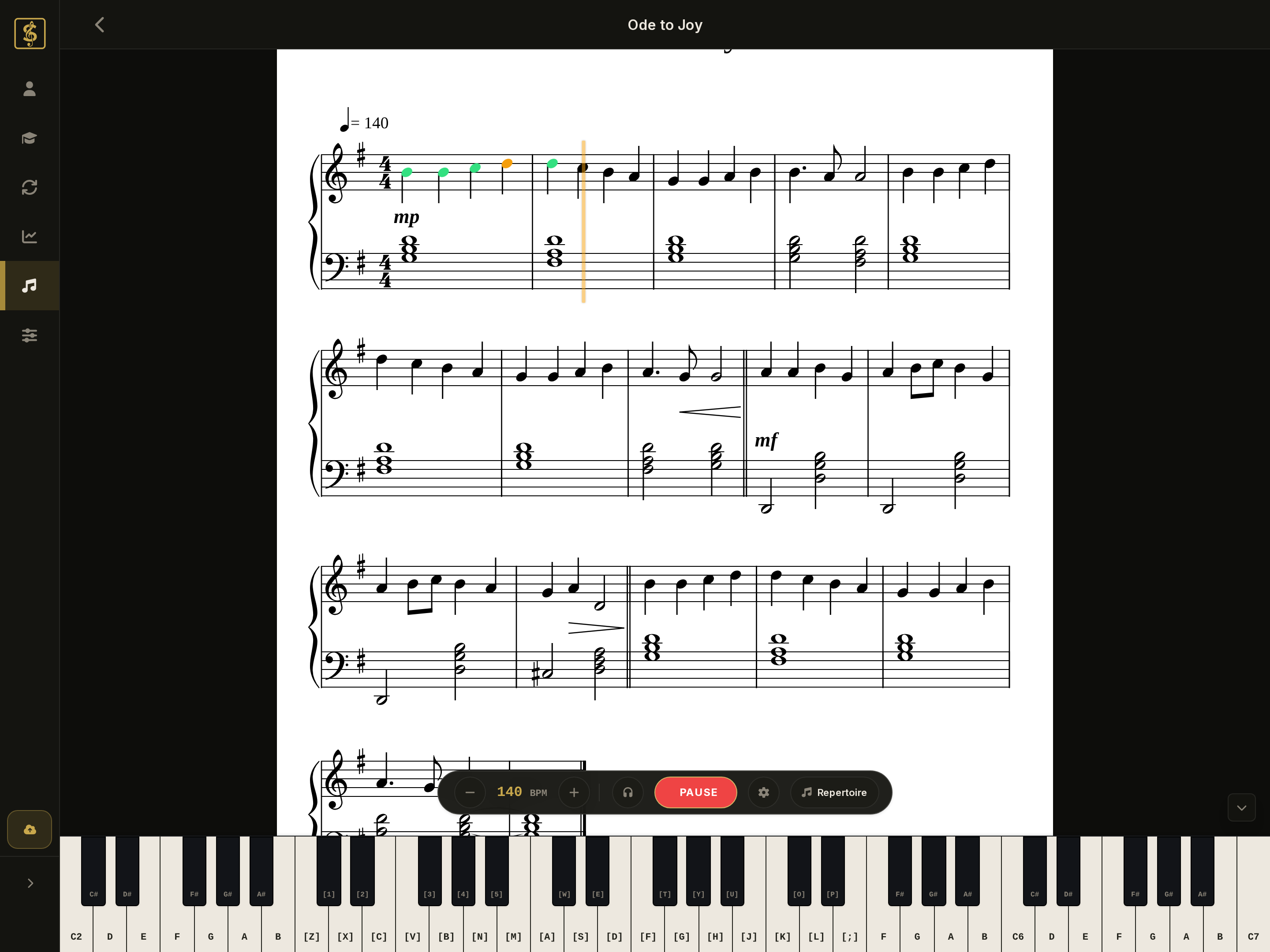
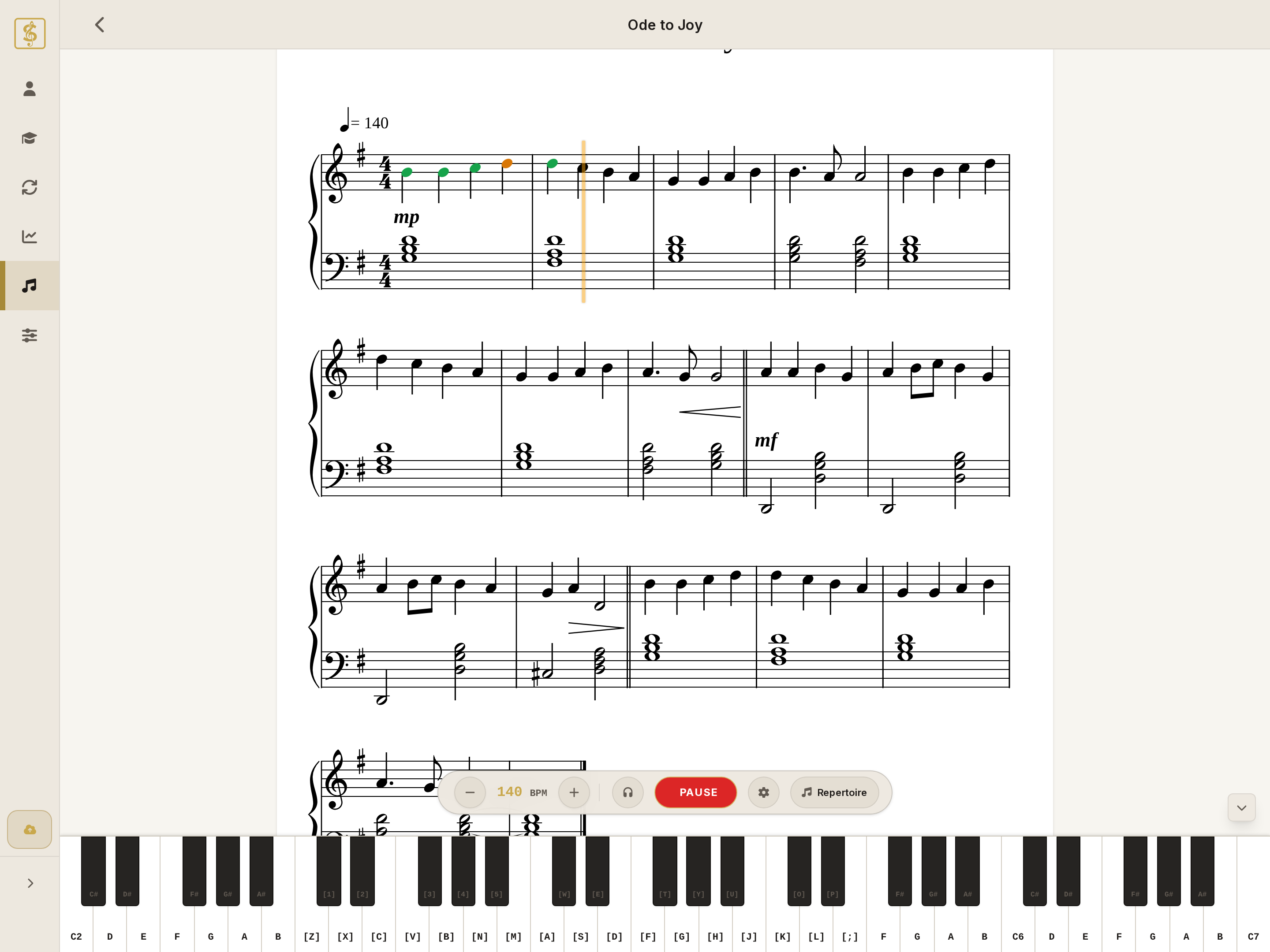
SightFlow practice interface: sheet music with real-time note feedback and virtual pianoSightFlow practice interface: sheet music with real-time note feedback and virtual piano
graded pieces
47
lessons in 5 tiers
137
major and minor keys
30
fresh exercises
∞

Practice

One trainer, from first notes to real repertoire

Follow a curriculum, generate your own drills or play real pieces. Everything shares the same feedback.

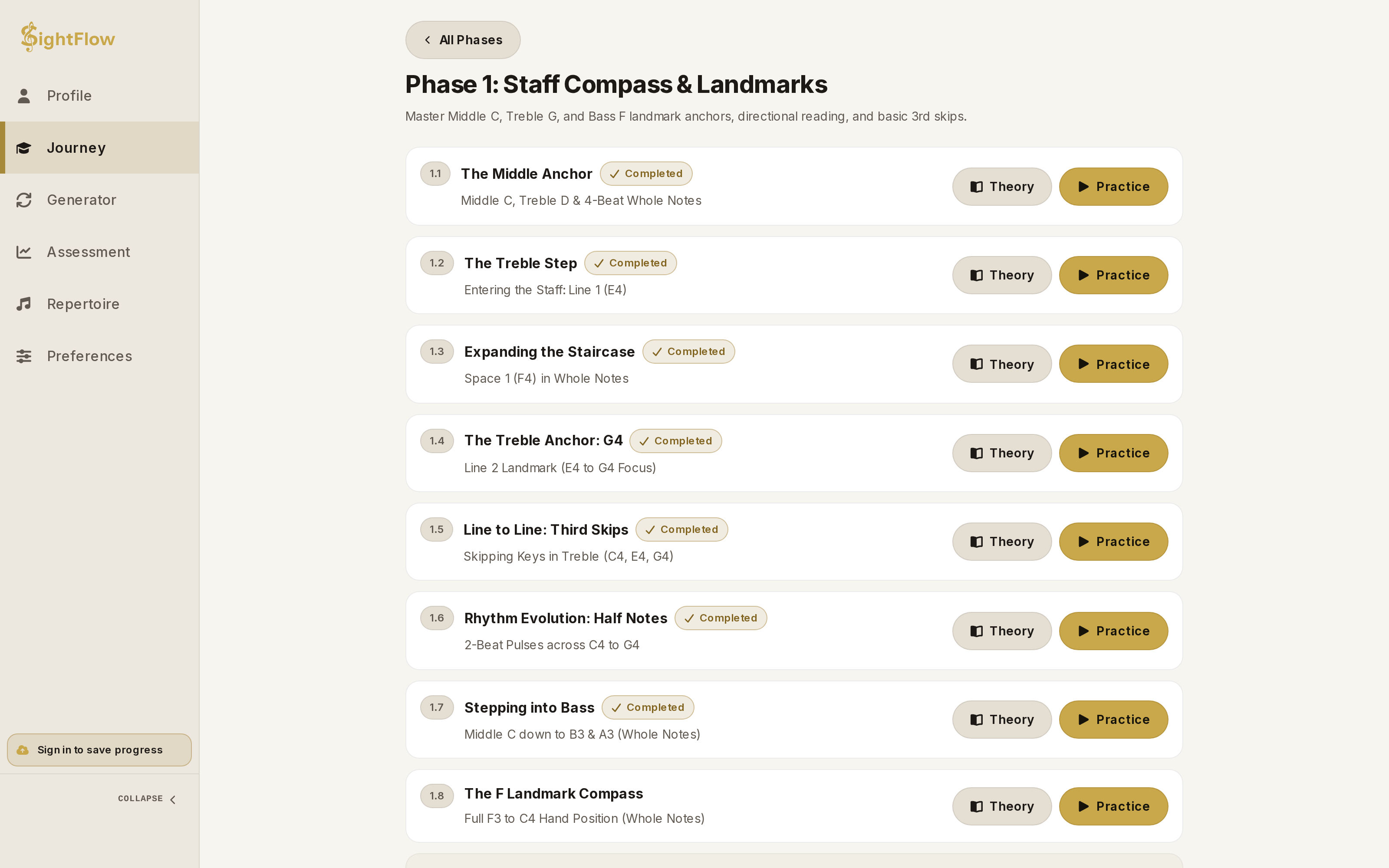
Journey

A skill tree that grows from Middle C to fluent reading in every key.

  • 137 lessons in 6 branches you can take in any order
  • Short interactive theory with staff, keyboard and rhythm before every lesson
  • Fresh exercises every time, with a tempo that adapts to you
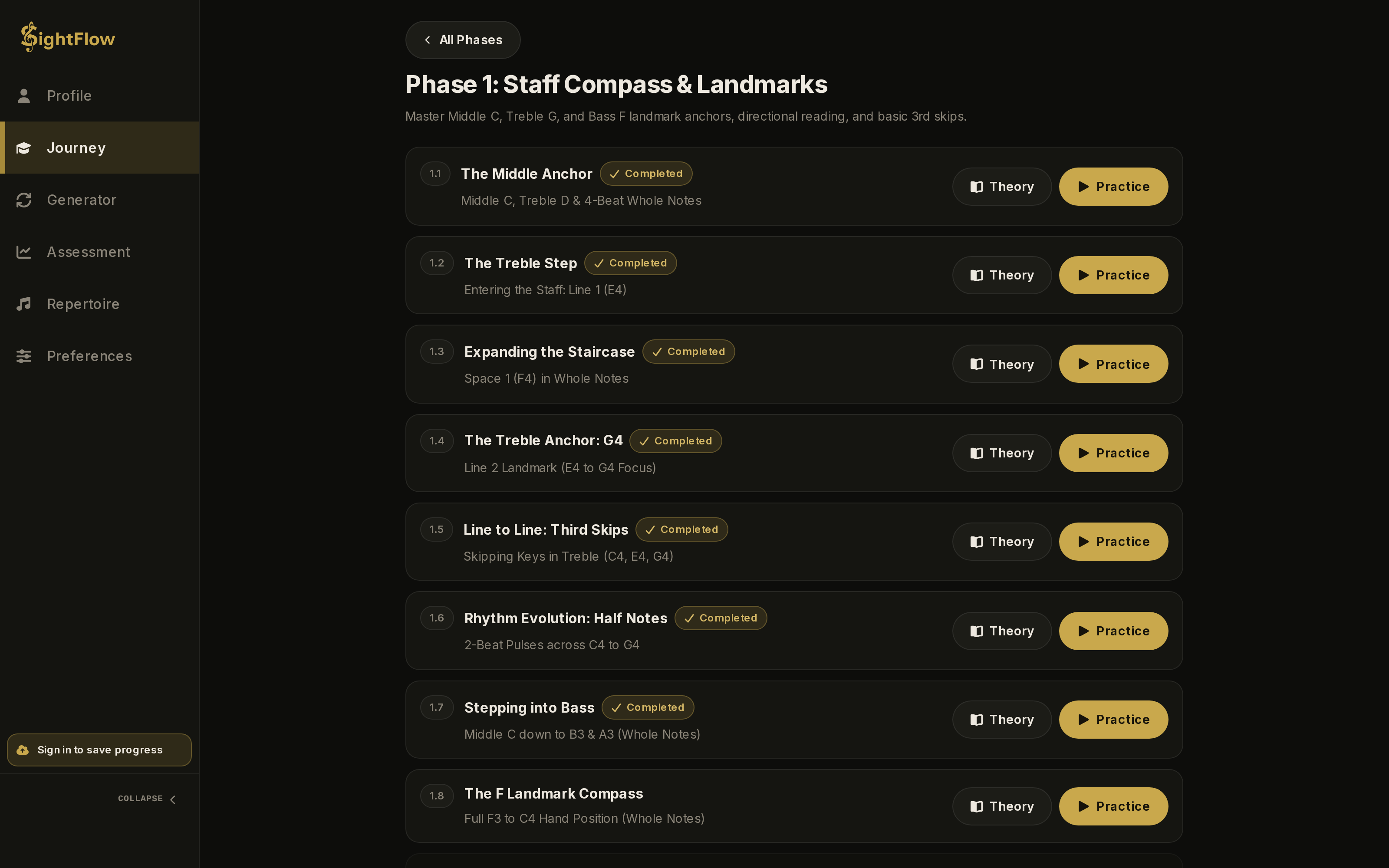
Journey skill tree map with branches, tiers and lesson starsJourney skill tree map with branches, tiers and lesson stars

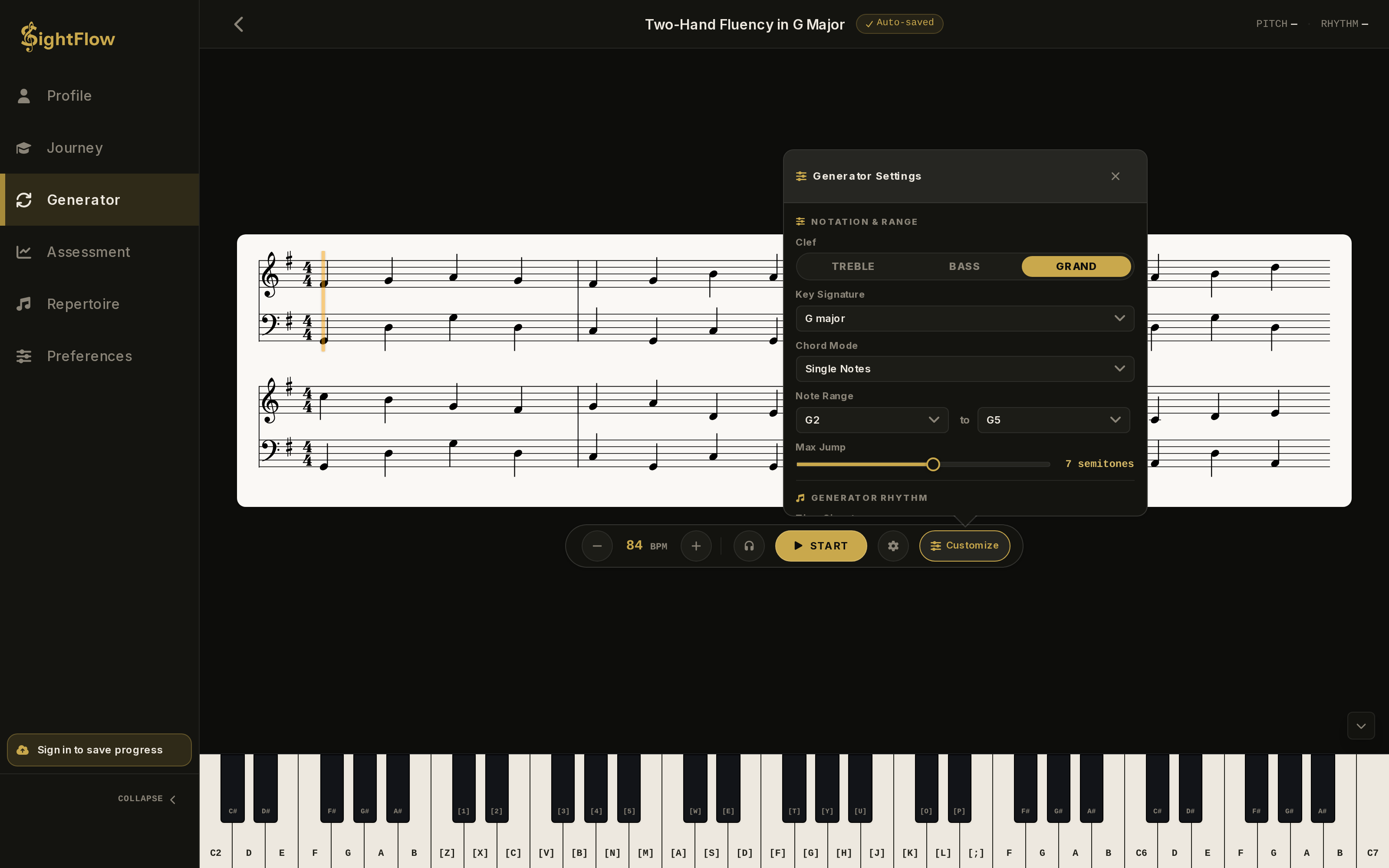
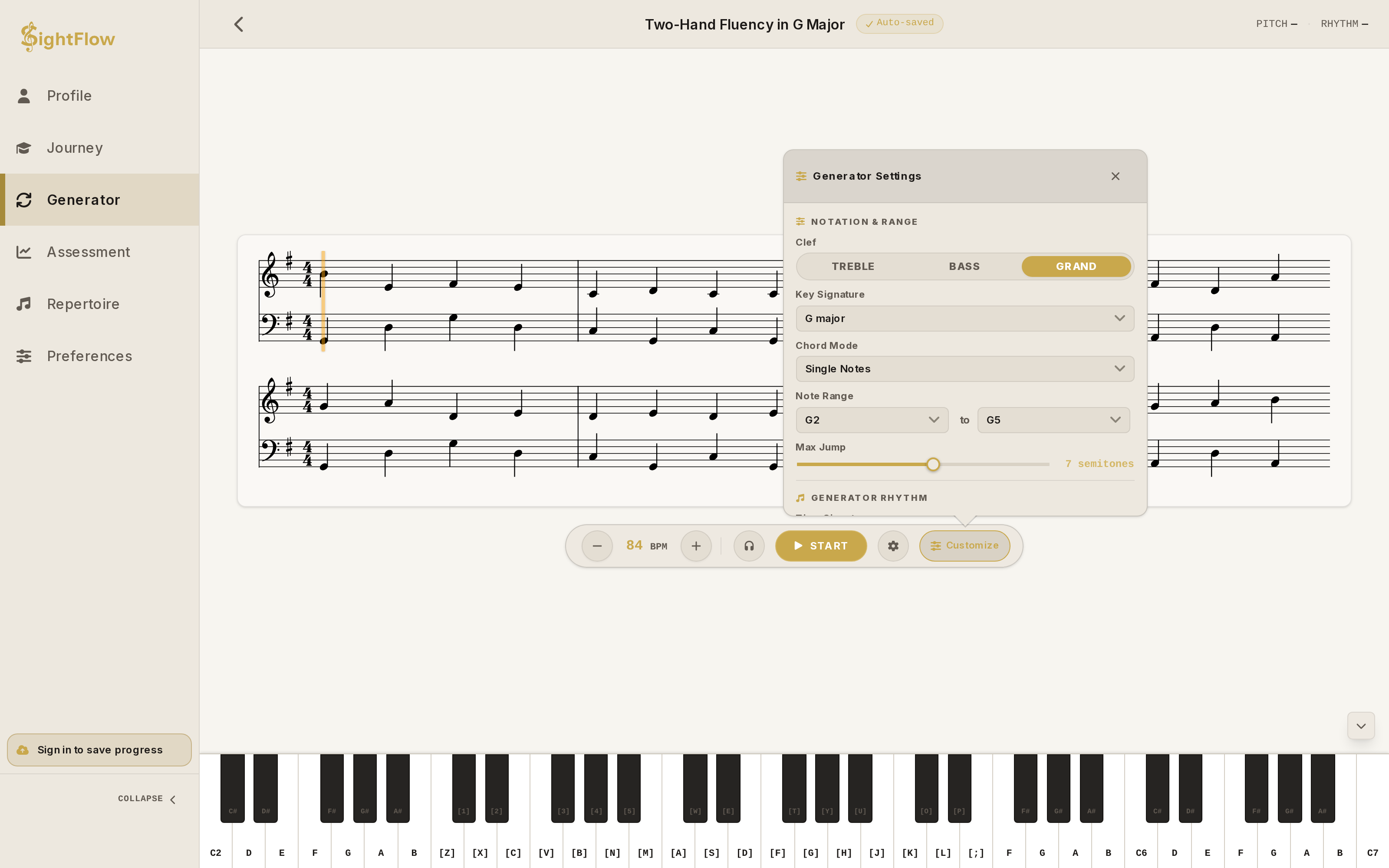
Generator

Endless exercises, never the same twice.

  • Choose from 30 major and minor keys, 2/4, 3/4, 4/4, 6/8 meters, and treble, bass or grand staff
  • Set your note range, largest leap, note values, rests, intervals and chords
  • Keep your favourite setups in your own vault
Generator with its settings panel openGenerator with its settings panel open

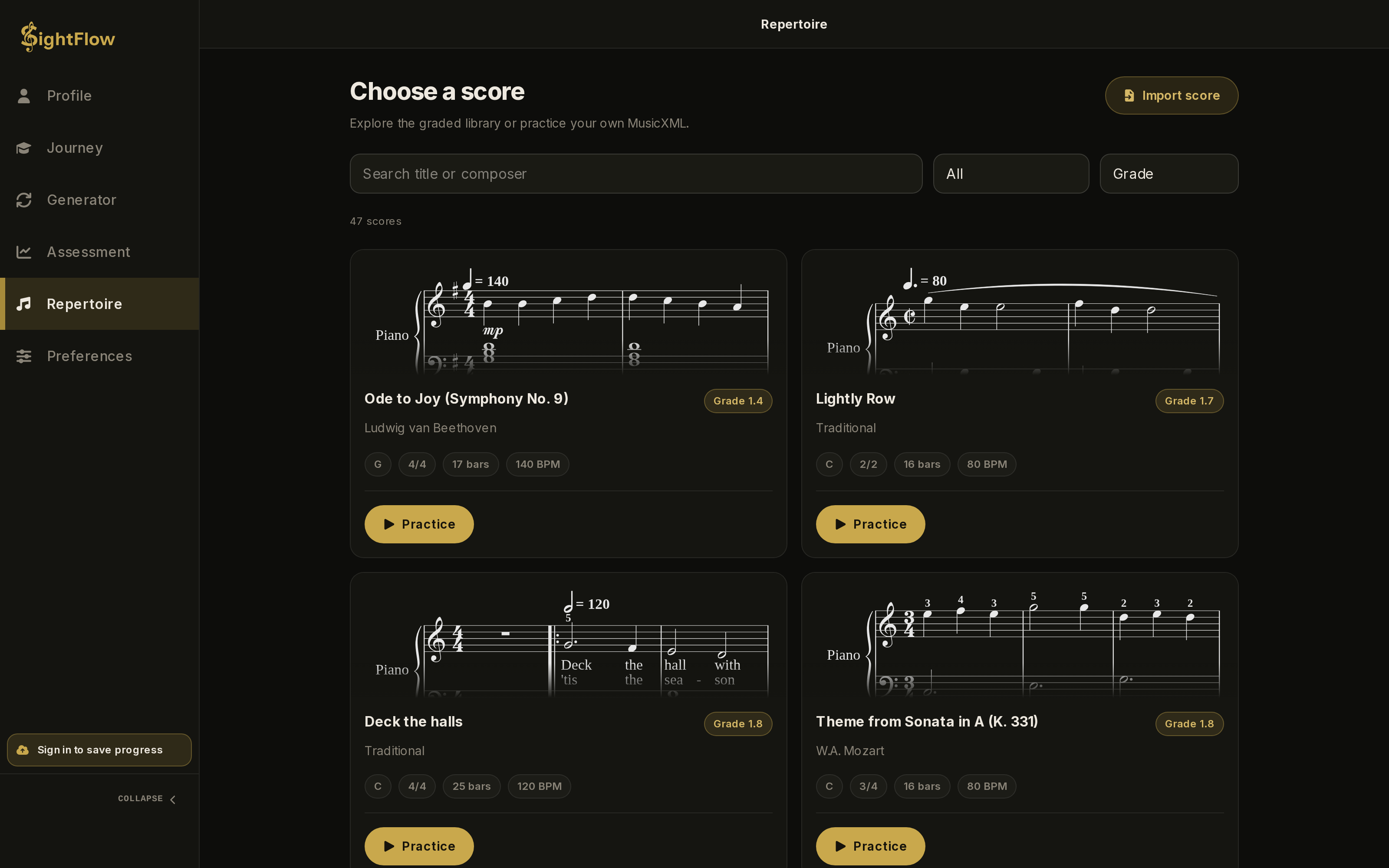
Repertoire

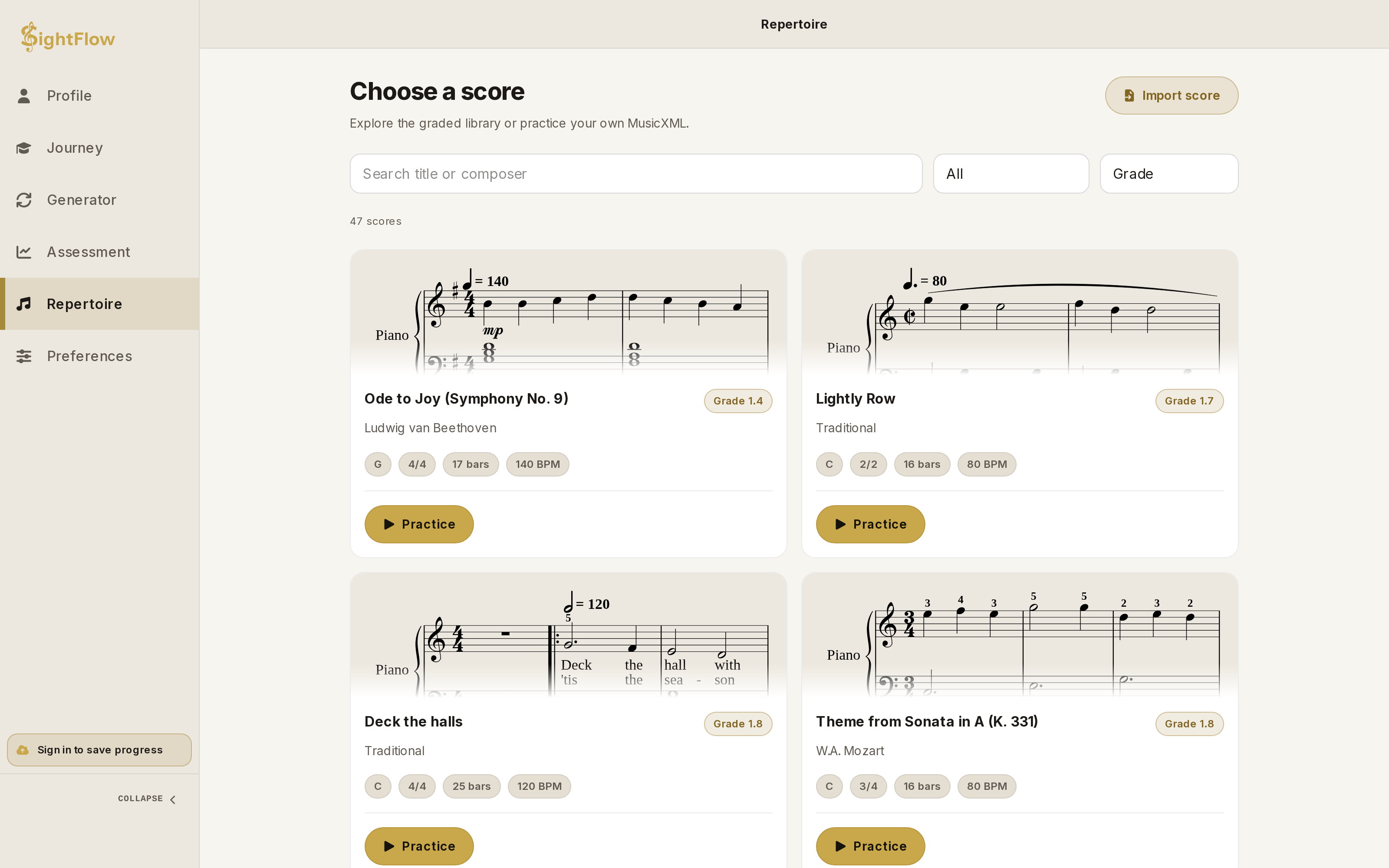
Real music, graded so you know what you are taking on.

  • 47 pieces by Bach, Beethoven, Mozart, Schumann, Debussy and more, from Grade 1.4 to 6.8
  • Loop any bars, practice one hand at a time and set your own tempo
  • Import your own MusicXML, MXL or MuseScore files in Pro
Repertoire catalogue with graded piecesRepertoire catalogue with graded pieces

Journey

A skill tree, not a playlist

After 9 Foundations lessons, the Journey splits into 6 branches you can explore in any order. When one lesson is hard, another is always open.

Lessons in each branch of the skill tree, by tier
BranchTier 1FoundationsTier 2ElementaryTier 3DevelopingTier 4IntermediateTier 5Advanced
FoundationsMiddle C, both clefs, whole to quarter notes, hands in turn9 lessonsnonenonenonenone
Notes & RangeLedger lines, clef changes and octave signs from C2 to C6none4 lessons6 lessons2 lessons2 lessons
Rhythm & MeterSixteenths, syncopation, triplets, 6/8, 9/8 and cut timenone9 lessons9 lessons8 lessons7 lessons
KeysEvery major and minor key around the circle of fifthsnone5 lessons8 lessons12 lessons5 lessons
ChordsTriads, inversions, seventh chords and progressionsnone3 lessons5 lessons5 lessons2 lessons
Hands & TextureWaltz and Alberti basses, two voices, chorale texturenone6 lessons6 lessons6 lessons5 lessons
Reading AheadA sparser metronome and vanishing notes that keep your eyes aheadnone2 lessons3 lessons2 lessons2 lessons
Phrasing & ExpressionComing soonLegato, staccato, dynamics, pedal, repeats and codasnone3 planned lessons7 planned lessons5 planned lessonsnone
CapstonesMixed review of a whole tier, ending in Graduationnone1 lessons1 lessons1 lessons1 lessons
  • Start where you are

    New to notation or already reading? Pick one of 4 starting points. Lessons below your level count as done, and their stars are still yours to earn.

  • One star opens the way

    A lesson unlocks once you clear what it needs with one star. Locked lessons list exactly what is missing, and the map suggests what to play next.

  • Three stars, three standards

    One star means you read it correctly. Two means at the target tempo. Three means fluently, across several fresh lines.

  • Review that finds you

    The Daily Mix is 4 minutes of practice built from the skills due for review. Checkpoints and capstones mix whole branches and tiers.

Pro

Level Assessment

A neural network that writes your next piece

Trained on thousands of classical works from PDMX, it composes musically correct pieces at exactly the difficulty you need and adapts to your skills as you play, pushing you just past your comfort zone and into flow.

pieces
8
to look each one over
10s
attempt per piece
1

Your result is a Grade, a rating and a confidence range. Grade is SightFlow’s own scale of sight-reading difficulty, not an exam board grade. Roughly, a Grade 3.0 means you have about a 70% chance of reading an ABRSM Grade 3 piece at first sight.

Illustration: the difficulty of each of the eight pieces follows your estimated Grade, while the confidence range around it narrows. Each point is a button that opens that piece below.
Difficulty of each pieceConfidence rangeSelect a point to read that piece

What it writes

One real piece for every point of the chart, written by the same model that runs in your browser. Pick one and read it.

Grade 3.4D major3/4109 BPMGrand staff59 notes

Swipe sideways to read the whole line.

Unedited output of the Assessment model, graded by SightFlow and engraved by the same notation engine as the app. Your own exam writes new pieces every time.

Feedback

Feedback that notices everything

Built for the details that decide whether you can read in real time.

Every note, instantly

Notes light up the moment you play them, so you see what landed and what did not without stopping.

  • Perfect
  • Good
  • Miss

Pitch and timing, separately

Know whether it is the note or the beat that slips, with your average timing bias shown in milliseconds.

Tempo that adapts

Slows down when a passage is shaky and speeds up once it is secure. You stay challenged, never stuck.

Train your eyes ahead

Vanishing notes fade the music ahead of the playhead, pushing you to read ahead instead of note by note.

Illustration: one pass through eight notes, read four ways.

Metronome patterns, adjustable playhead and a built-in piano sound

Getting started

Plug in. Or don't.

Nothing to install and no account to create. Open the page and play.

Connect a MIDI keyboard

Plug in any MIDI keyboard. Chords are recognised even when the keys land a few milliseconds apart.

Or just use your keys

No keyboard at hand? Play on your computer keys or the on-screen piano and start right away.

Private by design

Your imported scores and note-by-note practice data stay on your device. Syncing your progress is optional.

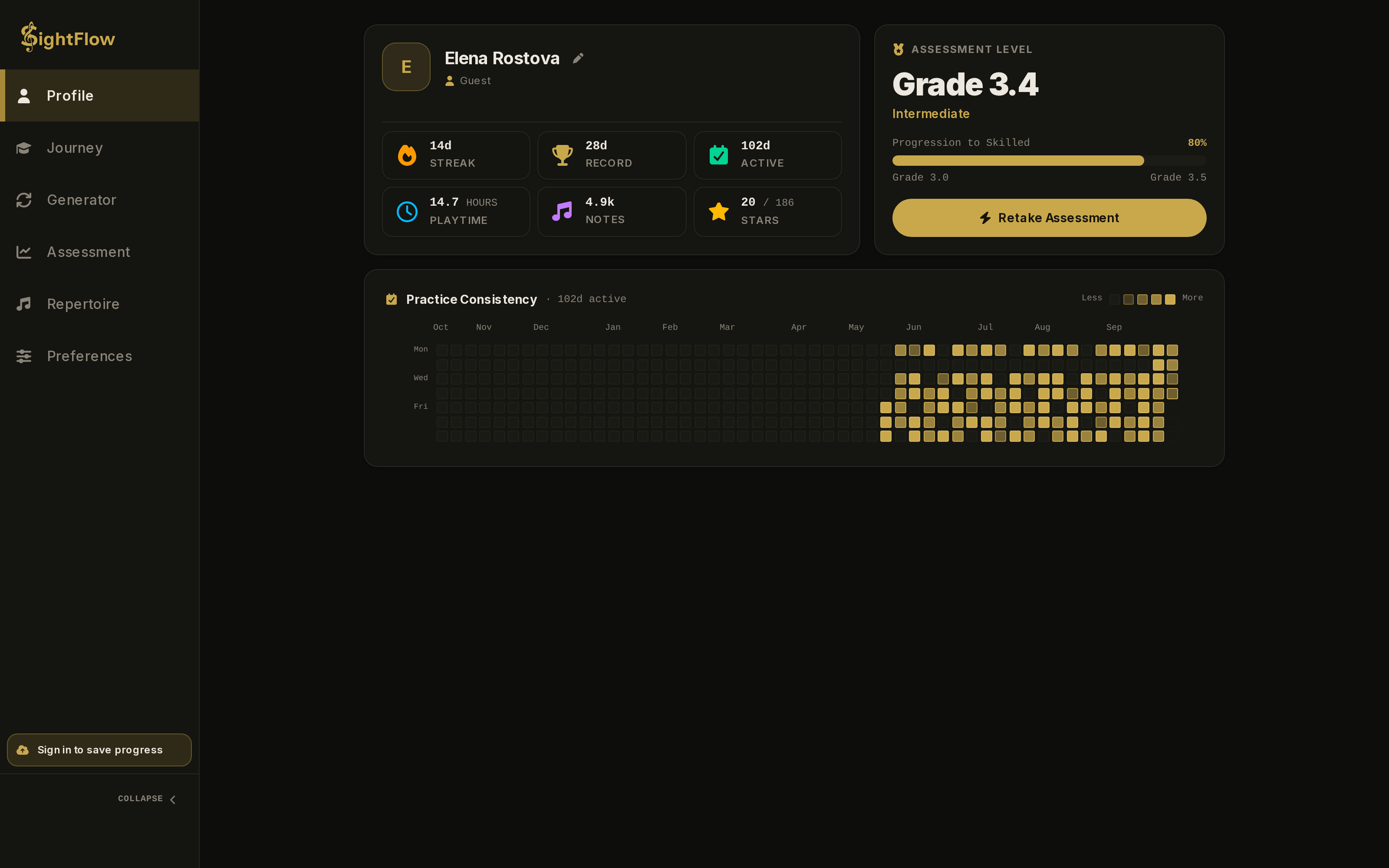
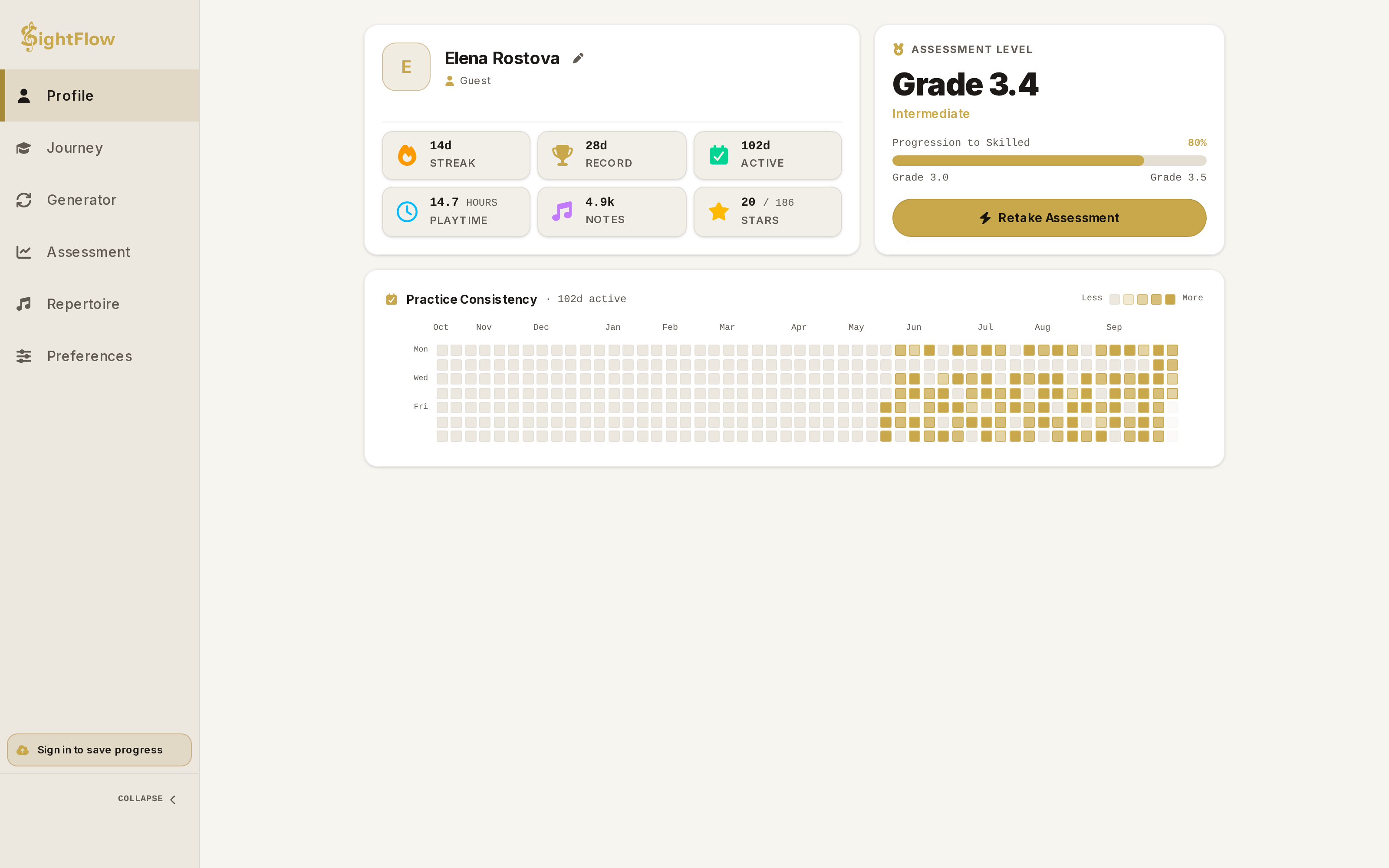
SightFlow profile showing grade 3.4 intermediate level, streaks and practice heatmapSightFlow profile showing grade 3.4 intermediate level, streaks and practice heatmap

Progress

See yourself getting better

Your profile turns practice into numbers you can feel good about: a rank that follows your grade, streaks and stars.

  • Daily streaks

    Keep the habit going and watch your longest run grow.

  • A year of practice at a glance

    A 52-week heatmap shows exactly when you showed up.

  • Stars on every lesson

    Read it, play it at tempo, then play it fluently: three stars on each of 137 lessons, so there is always something to chase.

  • Pick up on any device

    Sign in with Google or an email link to sync your progress. It is optional.

Pricing

Start free. Upgrade when you want more.

The free plan is a real way to practice every day. Pro unlocks everything.

Free

$0forever

No account needed.

Start practicing
  • 15 minutes of practice a day
  • Journey: the Foundations tier
  • A starter selection of pieces
  • Generator with treble and bass staves
  • Progress sync when you sign in
  • Full library of 47 pieces
  • Grand staff in Generator
  • Level Assessment
  • Import your own scores
ProSave 25%

$89.99per year

$7.50 a month, billed yearly.

  • Unlimited daily practice
  • Full Journey: all 137 lessons
  • Complete library of 47 pieces
  • Generator with grand staff
  • Adaptive Level Assessment with Grade and rating
  • Import MusicXML, MXL and MuseScore files
  • Progress sync across devices

Platforms

Practice anywhere, right in your browser

Desktop, tablet or phone: SightFlow runs fully on the web, with nothing to install. Native Android and iOS apps are coming soon.

  • DesktopWeb, works today in the browser
  • TabletWeb, works today in the browser
  • PhoneWeb, works today in the browser
  • PlayMarketSoon, native app coming soon
  • AppStoreSoon, native app coming soon

FAQ

Questions, answered

Do I need a MIDI keyboard?

No. You can play on your computer keyboard or the on-screen piano. A MIDI keyboard gives the most natural experience, and MIDI input depends on your browser supporting Web MIDI.

Do I need an account?

No. SightFlow works as a guest and keeps your progress in your browser. Sign in with Google or an email link if you want your progress synced across devices.

Does it work on phones and tablets? Is there an app?

Yes. SightFlow runs fully in your browser on desktop, tablet and phone, so there is nothing to install. Native Android and iOS apps are coming soon.

I have never read music. Can I start?

Yes. Journey begins at Middle C and introduces the staff, rhythm and both hands one small step at a time.

I can already read a little. Do I have to start from the beginning?

No. When you open Journey, pick the starting point that matches you, from new reader to intermediate. Earlier lessons are marked as done, so their branches open right away, and you can still go back to earn their stars. The Daily Mix brings their skills back early to check they hold up.

How does the Level Assessment work?

You play a series of pieces, one attempt each. A neural network trained on classical music composes every piece at the difficulty of your current Grade, and your estimate is updated after each performance. Your pitch, rhythm, continuity and completion add up to a final Grade with a confidence range. It is part of Pro.

What does Grade mean? Is it the same as ABRSM?

No. Grade is SightFlow’s own scale, calibrated for how hard a piece is to read at first sight rather than how hard it is to perform after practice. As a rough guide, a Grade of 3.0 on your profile means you have about a 70% chance of reading a piece at ABRSM Grade 3 difficulty at first sight. SightFlow is not affiliated with or endorsed by ABRSM.

What happens to the sheet music I import?

Importing MusicXML, MXL and MuseScore files is part of Pro. Imported scores stay in your browser and are not uploaded or synced.

What happens after 15 minutes on the free plan?

Free practice is limited to 15 minutes a day. Pro removes the limit.